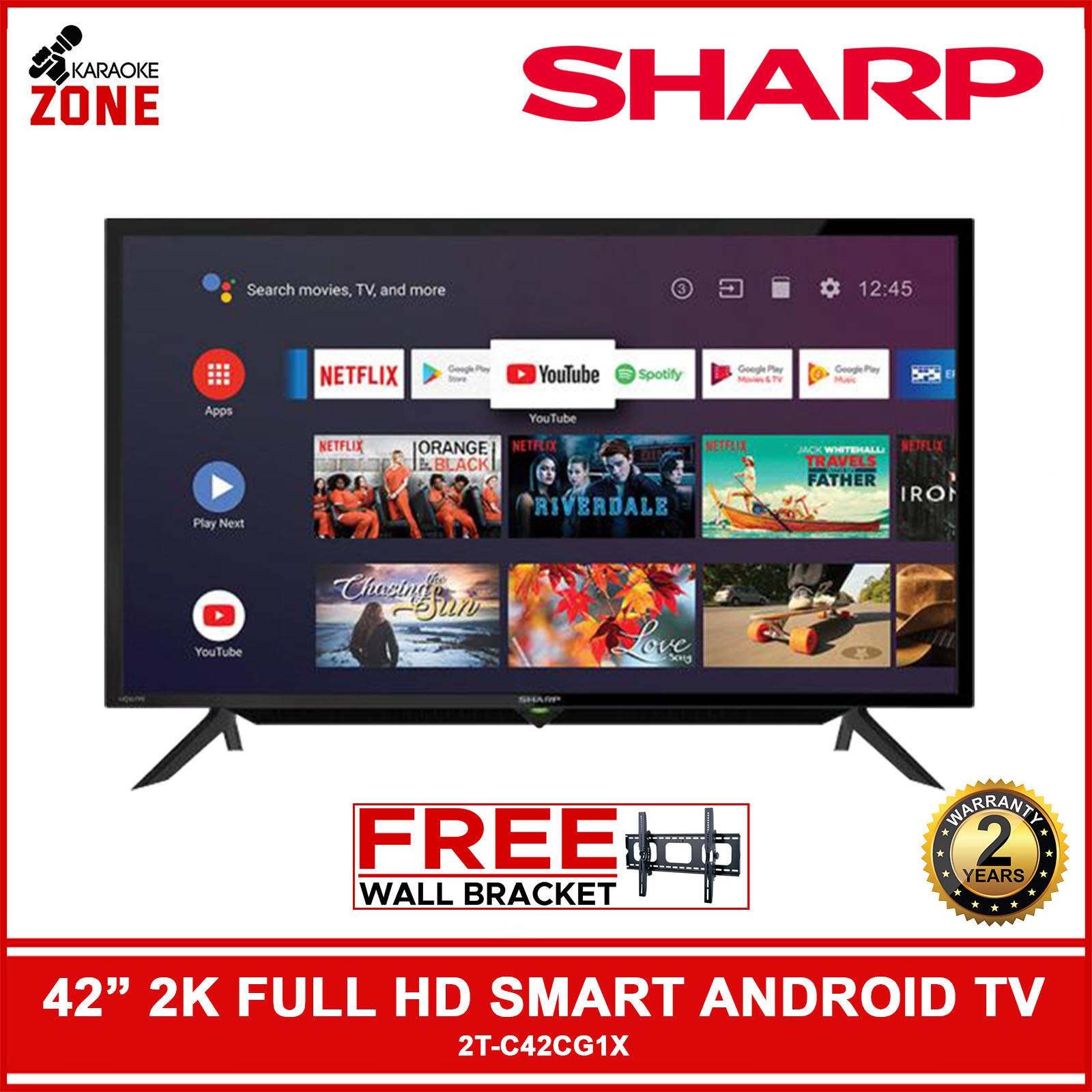
Honestly, it’s a weird size. Think about it. We live in an era where everyone is obsessed with massive 85-inch panels that take up an entire wall, yet the 42 inch smart tv is quietly making a massive comeback. It sits in this strange, perfect middle ground. Not quite a monitor. Not exactly a cinematic behemoth. It’s just right.
Most people walk into a Best Buy or browse Amazon and gravitate toward the 55-inch models because that’s the "standard" now. But they’re making a mistake. They’re overlooking the versatility of a display that can transition from a high-end gaming hub to a cozy bedroom setup without overwhelming the room's aesthetic. I’ve seen enthusiasts swap out triple-monitor setups for a single OLED in this size class. It works.
The OLED Revolution in Small Form Factors
For the longest time, if you wanted a small TV, you were stuck with "budget" specs. You got crappy edge-lit LED panels, terrible refresh rates, and speakers that sounded like they were underwater. That changed around 2022. LG Display started cutting 42-inch glass for their OLED lines, specifically the C-series. This was a pivot point.
Suddenly, the 42 inch smart tv wasn't just for the kitchen or the guest room. It became a flagship product. When you look at the LG C3 or the newer C4 models, you’re getting the same Alpha a9 processor found in the giant screens. You get the 0.1ms response time. You get the 120Hz (or 144Hz) refresh rate. It’s basically a Ferrari engine inside a Mini Cooper body.
Sony followed suit with the A90K. They marketed it as a "compact masterpiece." It’s pricey, sure. But the heat sink technology and the Cognitive Processor XR make the HDR pop in a way that cheap 50-inch TVs can't touch. You're paying for pixel density. At 42 inches, 4K resolution looks incredibly sharp because the pixels are packed tighter together. The PPI (pixels per inch) is significantly higher than a 65-inch screen, meaning you can sit three feet away and never see a jagged edge.
Is It a TV or a Monitor?
This is the big debate.
Go to any desk-setup subreddit and you'll see people using a 42 inch smart tv as their primary computer monitor. Is it too big? Maybe for some. But for programmers, video editors, and gamers, it’s a dream. You get a massive canvas without the bezels of a dual-monitor setup. Plus, you get a remote. Being able to hit a button and switch from Excel to Netflix or a PS5 is a luxury you don't realize you need until you have it.
But there are caveats.
- A TV doesn't "wake up" the same way a monitor does when you move your mouse.
- Text clarity can be an issue if the subpixel layout isn't standard RGB.
- Some TVs have aggressive auto-dimming (ABL) to protect the panel from burn-in.
If you’re using it for work, you have to be careful. Leaving a static taskbar on an OLED 42 inch smart tv for 10 hours a day is a recipe for disaster. You’ve gotta hide that taskbar. Use dark mode. Rotate your wallpapers. It’s a bit of maintenance, but the trade-off is infinite contrast ratios that make your work—and your play—look stunning.
Why Manufacturers Are Betting on 42 Inches
Market data shows a shift. While the "main" TV continues to grow in size, there's a burgeoning market for secondary premium displays. People are tired of putting junk in their offices. They want the same Dolby Vision and Atmos experience they have in the living room, just scaled down.
Samsung and Hisense have been pushing the boundaries here too. While LG dominates the OLED space, the QLED and Mini-LED options are getting better. Mini-LED is a great alternative if your room has a lot of windows. OLEDs are notoriously reflective; they can act like a black mirror in bright sunlight. A high-end Mini-LED 42-inch set can push 1,000+ nits of brightness, which basically fights off the sun.
A Quick Reality Check on Features
- HDMI 2.1 is non-negotiable. If the TV doesn't have at least two HDMI 2.1 ports, don't buy it. You need that bandwidth for 4K/120Hz gaming.
- The Smart Platform Matters. Whether it’s webOS, Google TV, or Tizen, the interface should be snappy. Nobody wants a TV that lags when you're just trying to open Spotify.
- Sound is usually an afterthought. Because the chassis is so thin on these premium 42-inch models, the speakers are tiny. Budget for a compact soundbar or use headphones.
The Gaming Angle: Why This Size Wins
Consoles like the PS5 and Xbox Series X are designed for this. When you play a fast-paced shooter like Call of Duty or Apex Legends, a 65-inch screen is actually a disadvantage. Your eyes have to travel too far to see the corners of the screen—the HUD, the map, the kill feed. You lose precious milliseconds.
At 42 inches, the entire screen is within your peripheral vision. It’s the "Goldilocks" zone for competitive gaming. You get the immersion of a large screen but the tactical advantage of a monitor. Many professional gamers are moving toward this size for their home setups. It’s also the perfect size for "couch gaming" in a smaller apartment or dorm room where a desk setup isn't feasible.
Common Misconceptions About 42-Inch Displays
"It’s too small for 4K."
This is a total myth. While it’s true that you notice 4K more on a 75-inch screen from 10 feet away, the clarity of 4K at 42 inches when you're sitting 4-6 feet away is breathtaking. It looks like a printed photograph.
"Small TVs are always lower quality."
Maybe ten years ago. Today, brands like Sony and LG put their best chips in these smaller sizes because they know they are being used by power users. It’s a niche, high-end market now.
"They are overpriced."
Okay, this one has some truth to it. Often, a 42-inch OLED costs the same—or even more—than its 48-inch or 55-inch sibling. Why? Economics of scale. They manufacture way more 55-inch panels, so the cost per unit is lower. You’re paying a "compact premium." You are paying for the engineering required to fit all that tech into a smaller frame.
The Specifics: What to Look For Right Now
If you're hunting for a 42 inch smart tv, don't just look at the price tag. Look at the panel type.
OLED (Organic Light Emitting Diode): Best for dark rooms, movies, and gaming. Perfect blacks.
LCD/LED: Best for very bright rooms. Cheaper, but you lose that "infinite" contrast.
Mini-LED: The middle ground. Great brightness and decent blacks, though you might see some "blooming" around bright objects on dark backgrounds.
Check the stand design too. Some 42-inch TVs have wide feet that require a large surface. Others have a central pedestal, which is much better for fitting onto a standard desk or a small dresser.
Making the Most of Your Setup
Once you get your 42 inch smart tv home, don't just leave it on the "Vivid" picture setting. It’s tempting because it’s bright and colorful, but it destroys the detail and makes everyone look like they have a sunburn. Switch to "Filmmaker Mode" or "Game Mode."
If you're using it as a monitor, go into the settings and turn off any "power saving" features that might dim the screen unexpectedly. And for heaven's sake, use an Ultra High Speed HDMI cable. If you use an old cable from 2015, you won't get the features you paid for. You’ll be stuck at 60Hz and might experience screen flickering.
Actionable Next Steps
If you are ready to upgrade, here is exactly how to pull the trigger without regret:
- Measure your distance: If you are sitting closer than 3 feet, a 42-inch might actually feel too big. If you are 4 to 7 feet away, it is the sweet spot.
- Check your lighting: If you have a massive window directly opposite where the TV will sit, avoid OLED unless you have blackout curtains. Go for a high-brightness LED or Mini-LED instead.
- Prioritize HDMI 2.1: Ensure the model has at least two "full bandwidth" ports if you plan on connecting both a PC and a console.
- Audit the apps: Check if the TV's native OS supports the niche apps you use (like Criterion Channel or specific local sports apps) so you don't have to buy an external streaming stick immediately.
- Compare the 42 and 48 inch prices: Sometimes the 48-inch version of the same TV is $100 cheaper due to sales. If you have the extra 6 inches of space, you might actually save money by going slightly larger.
The 42 inch smart tv isn't just a "small TV" anymore. It's a specialized tool for people who value pixel density, gaming performance, and space efficiency. It’s the ultimate crossover hit in the tech world.